
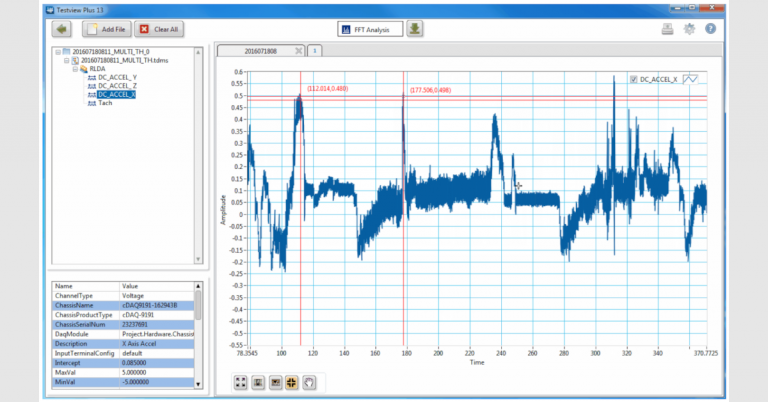
Tip: Adding Cursors to TestView+ Graphs
Quickly add cursors to your iTestSystem’s TestView+ graph by right clicking near the location that you want to add the cursor and select Cursors: Add Cursor. Click here or point your browser to /engineering/software/ to download your free copy. Getting more from your test data? Talk to our…