
Simplify Acceleration Conversions with iTestSystem’s Integration Analysis Tool
Like many features in iTestSystem, the Integration Analysis tool was created because customers requested it. After all, who doesn’t like features that make the math easier?
In this blog, a new series by ITM, we’ll share some details about Integration Analysis, one of the features within TestView Plus, the project based data viewing function within iTestSystem.
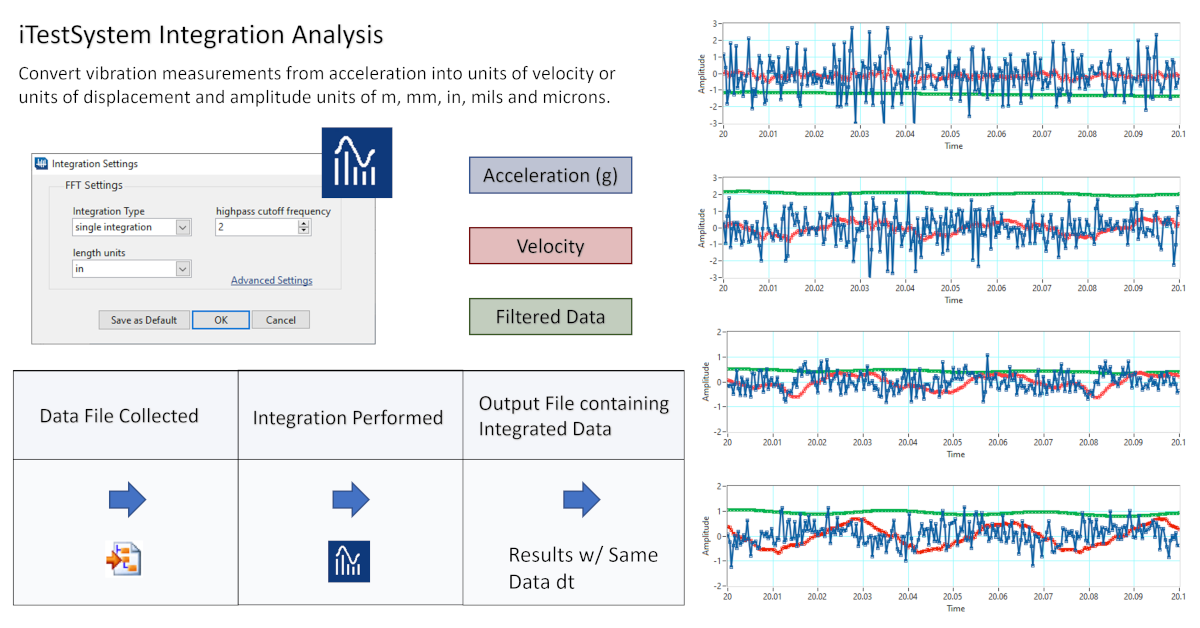
For engineers who are gathering vibration data, it makes perfect sense to have a simple way to convert acceleration into units of velocity or units of displacement since those are the most common specs.
Enter the Integration Analysis function. Simply open TestView Plus, drop down the “Analysis” tab and select “Integration.” Once there, adjust the settings to either “Single Integration” for velocity or “Double Integration” for displacement. In a couple of additional clicks, you can also specify your desired units and adjust the high cutoff frequency to filter low frequency data.
The next time you are gathering data using accelerometers, let iTestSystem simplify all those conversions with Integration Analysis.
About iTestSystem
iTestSystem is an engineering measurement software platform that enables test engineers to organize, acquire, view, and analyze data from machinery, processes, vehicles and other complex systems. iTestSystem was specifically designed for use with National Instruments (NI) cDAQ or FieldDAQ hardware for data collection and data logging.
For more information about our iTestSystem or ITM’s testing services, contact Ryan Welker @ (844) 837-8797 x702.
Gathering accelerometer data? Talk to our engineers about putting iTestSystem’s analysis tools to work on your next test.
Related solutions
iTestSystem Software
The acquisition, analysis, and reporting platform behind Integration Analysis and TestView Plus. Explore →
Testing Services
Vibration testing and data analysis handled by our own test engineers, start to finish. Explore →
Engineering
Full-service measurement engineering, from sensor selection through post-test analysis. Explore →
Recent insights
-
 Aerospace Engineering, Aerospace Testing, Blue Origin, Engineering, ESCAPADE Mission, Launch Vehicle Engineering, New Glenn, Rocket Reliability, Strain Measurement, structural health monitoring, Structural Testing
How Pre-Launch Structural Testing Ensures Mission Success
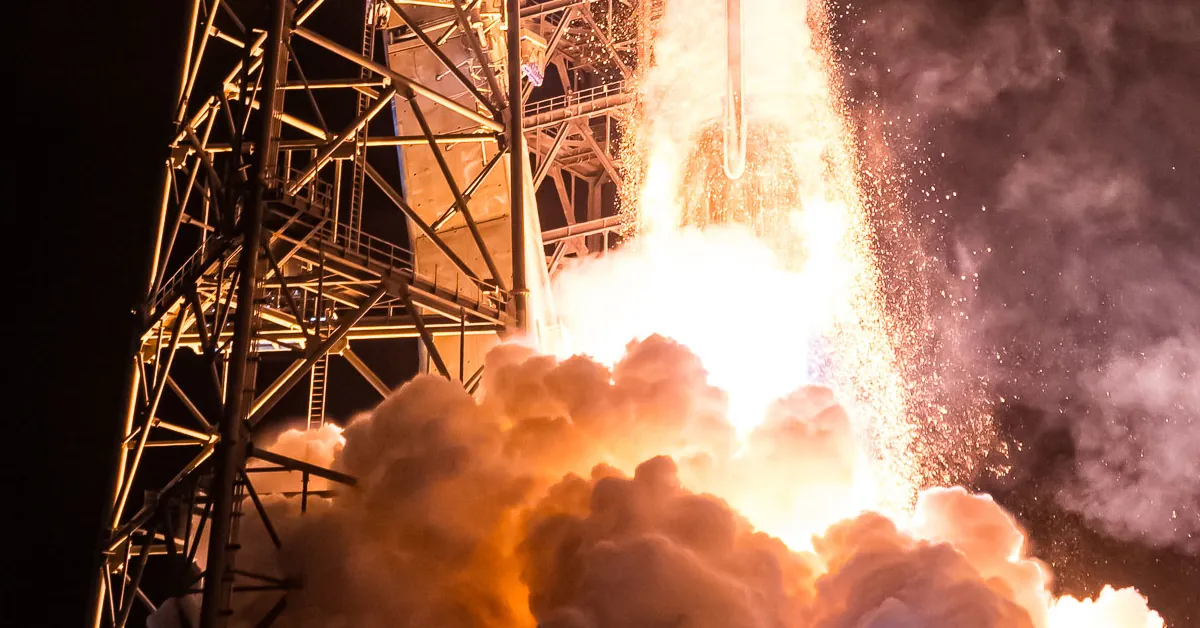
When Blue Origin’s New Glenn rocket successfully launched NASA’s ESCAPADE mission to Mars, it marked a historic step forward for commercial launch technology — and a testament to the unseen engineering that happens long before a vehicle ever reaches…
-
 6D Testing & Analysis, Accelerometers, data acquisition systems, design validation, Engineering, engineering measurement, experimental modal analysis, impact hammer testing, mechanical engineering, modal testing, structural dynamics, Structural Testing, vibration testing
Free Engineering Guide: How to Perform Experimental Modal Analysis for Better Structural Insight
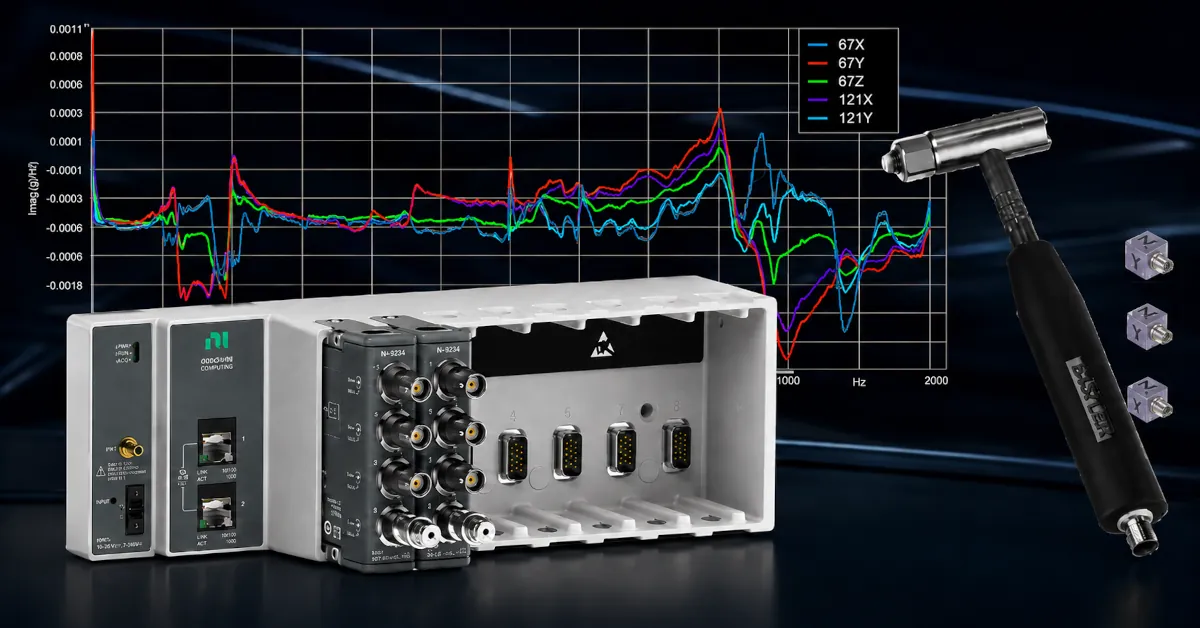
Understanding how structures vibrate—and why—is essential across nearly every engineering discipline. Whether you’re working on rotating machinery, industrial equipment, robotics, medical devices, heavy vehicles, consumer products, or building-scale…
-
 AWS IoT Analytics, cDAQ-9189, Channel Synchronization, CompactDAQ, Condition-Based Maintenance, Edge-to-Cloud High-Channel Datalogging, Engineering, Instrumentation, iTestSystem, iTestSystem Automated Analytics, iTestSystem Notification Service, NI-9236, NI-9469, Strain, Stress, structural health monitoring
High Channel Count Synchronous Datalogging
When a manufacturer needed to validate the structural performance of a 38-ton on-highway vehicle, ITM deployed a 200+ channel synchronous datalogging system capable of capturing accelerometer, strain, GPS, and speed data at nearly 2 kS/s per channel…